
No Code Machine Learning Pipeline to Evaluate Models and Perform EDA
Published:
This post briefly discusses the newest feature introduction to this site: a comprehensive, no-code, drag&drop interface for training and comparing machine learning models on disparate datasets
🚀 No-Code Machine Learning Pipeline
Interactive · Browser-Based · Zero Install
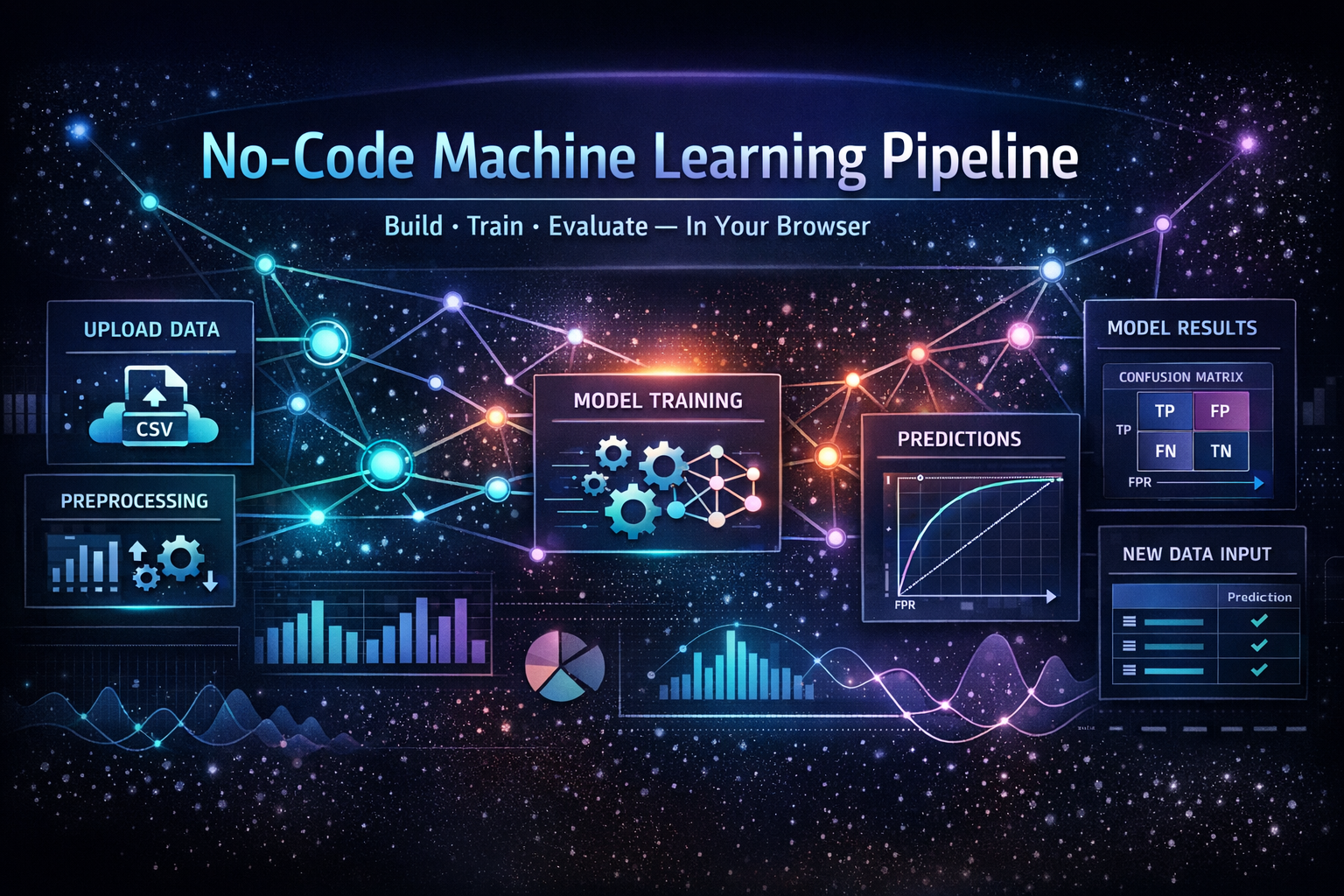
Build, train, and evaluate machine learning models directly in your browser — no code required.
🌐 Live Demo
🔗 Try it here: Click Me!
🧠 What This Tool Does
- 📂 Upload your dataset (CSV)
- 🔍 Perform Exploratory Data Analysis (EDA)
- ⚙️ Apply feature engineering & preprocessing
- 🤖 Train multiple ML models
- 📊 Evaluate performance (ROC, AUC, F1, Confusion Matrix)
- 🔮 Generate predictions on new data
⚡ Key Features
- 💻 100% Browser-Based (no setup)
- 🧩 Step-by-step guided workflow
- 📊 Built-in visualizations
- 🧠 Multiple ML algorithms
- 📈 Real-time evaluation
🏗️ Supported Models
- Logistic Regression
- K-Nearest Neighbors
- Gaussian Naive Bayes
- Decision Tree
- Random Forest
- ADA Boost
- Gradient Boosting Machine
🪜 Step-by-Step Usage
📥 1. Load Dataset
- Upload CSV
- Ensure binary target column
- Index columns auto-removed
🎯 2. Select Target & Features
- Choose binary target
- Define positive class
- Configure feature types
🔍 3. Explore Data
- Summary stats
- Class balance
- Visualizations
⚙️ 4. Preprocess Features
- Apply scaling / transformations
🎛️ 5. Configure Models
- Select models
- Adjust split
🏋️ 6. Train
- Run pipeline
- Monitor progress
📊 7. Results
- Metrics + visualizations
🔮 8. Predict
- Upload new data
- Generate predictions
🛠️ Tech Stack
- Vanilla JavaScript
- Chart.js
- PapaParse
⭐ Support
Star the repo if you find it useful!